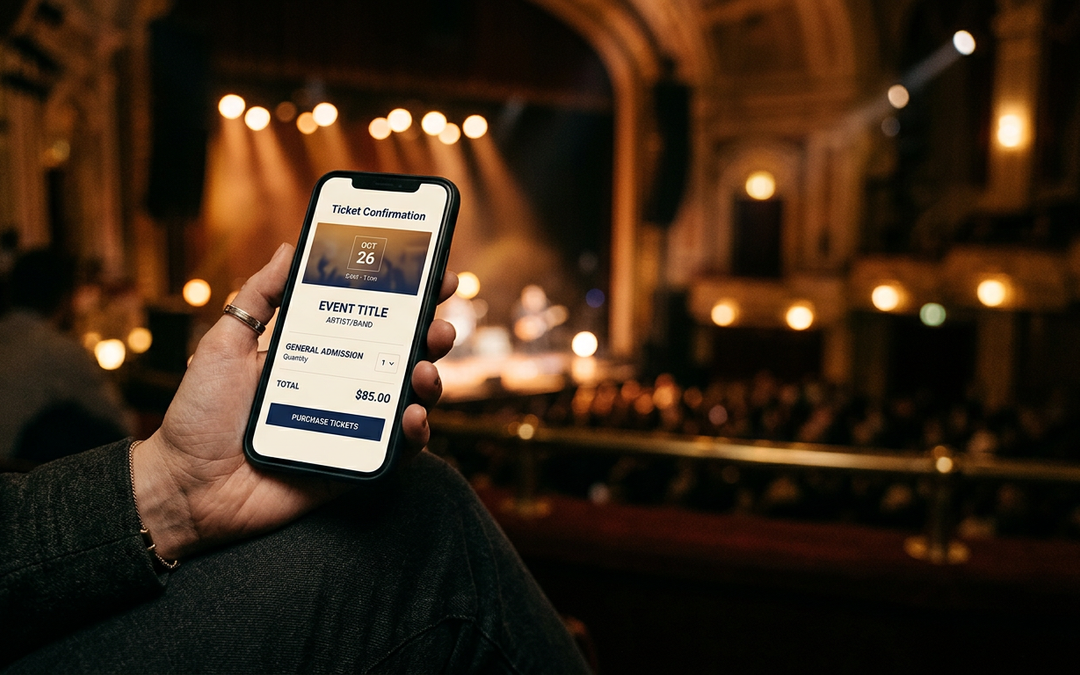

The announcement goes out. At 10:00 a.m. thousands of people hit your website at once, and for the next twenty minutes it’s the most important room in the building. If it slows down or breaks, you lose sales, trust, and a lot of goodwill on social media.
The good news is that most on-sale problems are predictable, which means most of them can be prevented. Here’s the checklist we’d work through with any venue before a big one.
Start four to six weeks out
Know your numbers. Pull the analytics from your last big on-sale. How many people were on the site at the peak? Where did they come from? Where did they drop off? That’s your baseline, and the new on-sale will likely be bigger.
Map every system in the purchase path. Your website, content management system, ticketing platform, payment gateway, email tool, and CRM all play a part. A patron’s purchase is only as fast as the slowest one.
Talk to your ticketing platform early. Ask how their queue works, what limits they set, what support they offer on the day, and who you call if something goes wrong.
Make the website light
On-sale traffic is mostly people doing one thing: getting to the event page and clicking Buy tickets. Make that path as light as possible.
- Cache the event page. It shouldn’t need to hit your database for every visitor. A content delivery network (CDN) can serve it to thousands of people at once.
- Turn off what you don’t need for the day. Chat widgets, heavy video, carousels, and extra third-party scripts all slow a page down. Pause them on the event and checkout pages.
- Compress your images. A large hero image is often the heaviest thing on the page.
- Freeze changes. Lock the site 48 hours before the on-sale. Nobody should push an update during a rush.
Test it like it’s the real thing
Load test the whole purchase path. The homepage is the easy part. Test the event page, the queue, seat selection, and checkout, at more traffic than you expect.
Test on phones. Most patrons will buy on a phone, often on a cellular connection. Try the full purchase on a mid-range phone with the network throttled.
Test what goes wrong. Try a declined card, a timeout, and the back button in the middle of checkout. Make sure each one shows a clear message and lets the patron try again.
Plan for bots and resellers
Bots buy faster than people, and fans notice when good seats vanish in seconds.
- Use a virtual queue that puts everyone who arrives before the on-sale in random order at the start.
- Set purchase limits per account, per card, or per household.
- Add bot checks at the moments that matter, such as joining the queue and checking out.
- Tie presale codes to accounts so they can’t be shared or scraped.
Tell people what to expect
A confused patron calls the box office. A prepared one waits patiently in the queue.
- Publish the on-sale time with the time zone, the exact link, ticket limits, and price ranges.
- Explain the queue: what it looks like, that refreshing won’t help, and how long it might take.
- Send a reminder email the day before, with the link.
- Write a status message in advance, ready to post if something goes wrong.
- Brief your box office and phone staff so they’re giving the same answers as the website.
On the day
Get the right people together. Someone from the web team, the ticketing platform, marketing, and the box office should be in one room or on one call for the first hour.
Watch it live. Keep an eye on site speed, error rates, queue length, and completed orders. Agree beforehand who decides to pause sales or post an update, so nobody has to debate it in the moment.
Have a backup plan. Know how to roll back a change, how to switch to a simple holding page, and how to tell patrons what’s happening.
After the rush
Within a week, look at the numbers while they’re fresh: peak traffic, queue times, how many people finished checkout, errors, and support calls. Write down what worked and what to change, and keep that list for the next big on-sale.
Planning a big on-sale?
LockData has spent 25+ years building the technology behind Broadway, theaters, and performing arts centers, from websites that hold up under peak traffic to branded purchase paths on the platforms venues already run. If your next on-sale is coming up, talk to an expert. We’ll help you find the weak spots before your patrons do.